What’s inside.
Here is an overview of the core building blocks: from the grid system and personas to the built-in MCP server. Everything on one page, so you can calmly understand how the components interact.
The Application
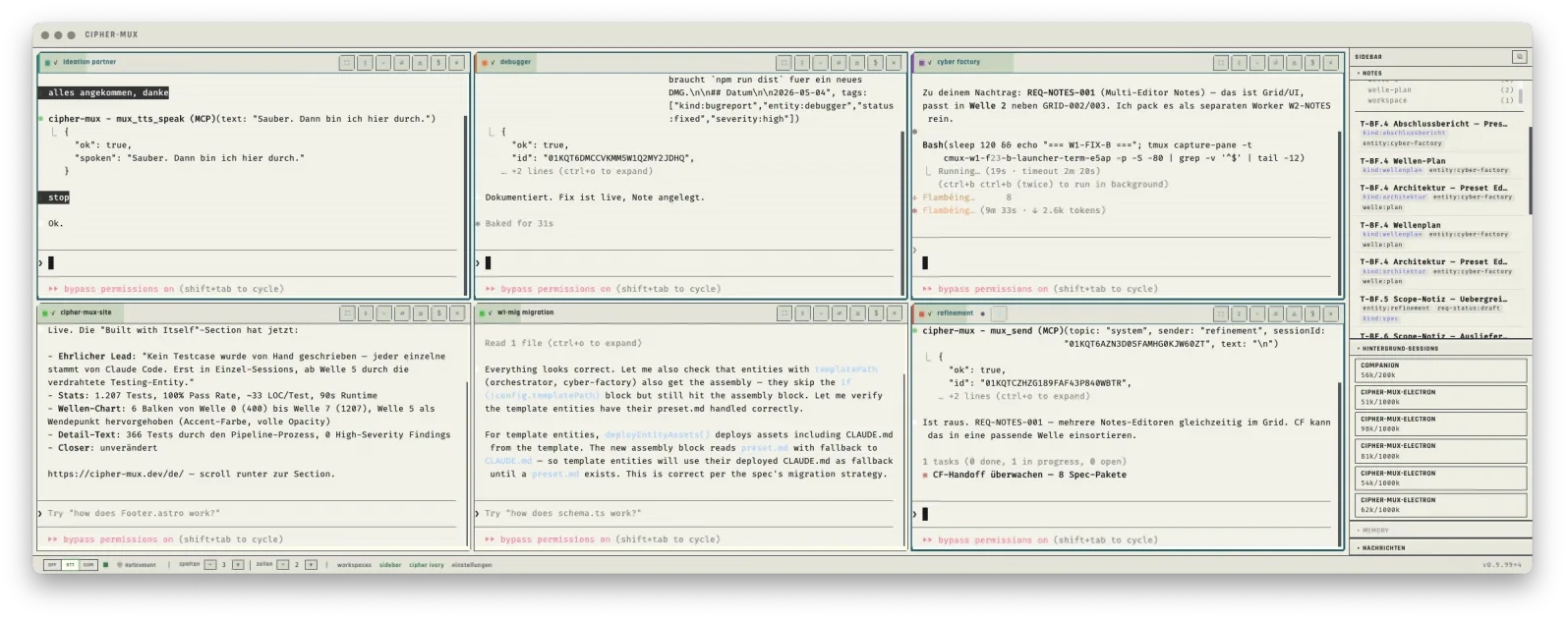
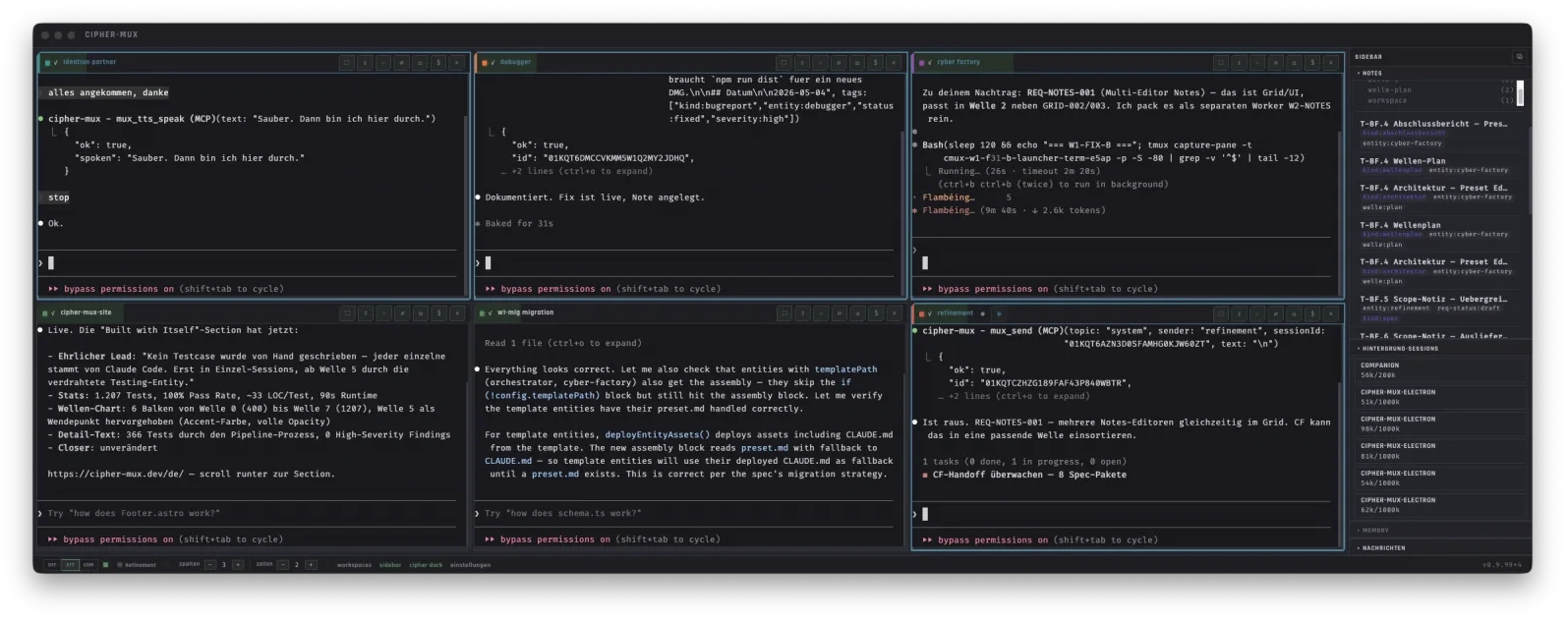
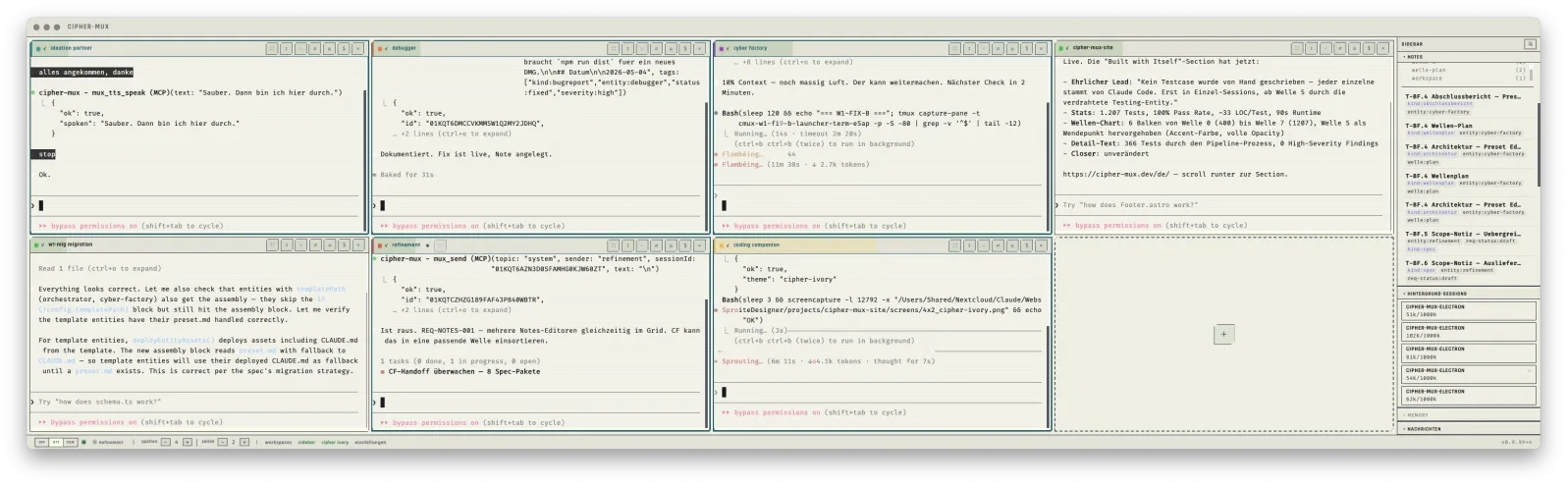
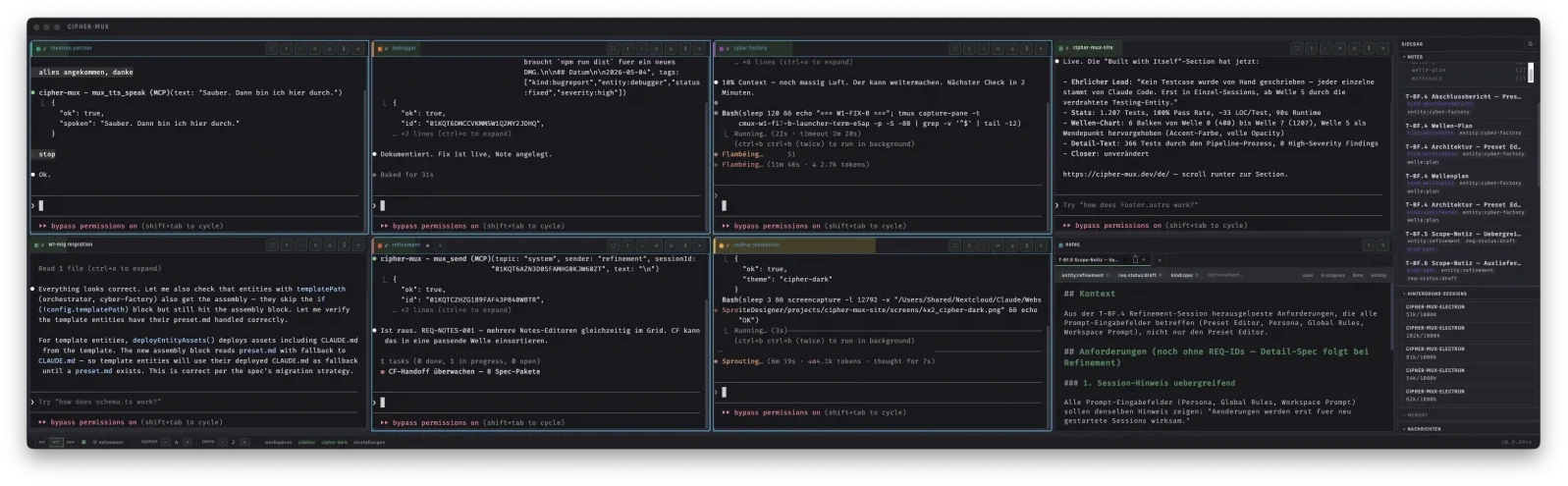
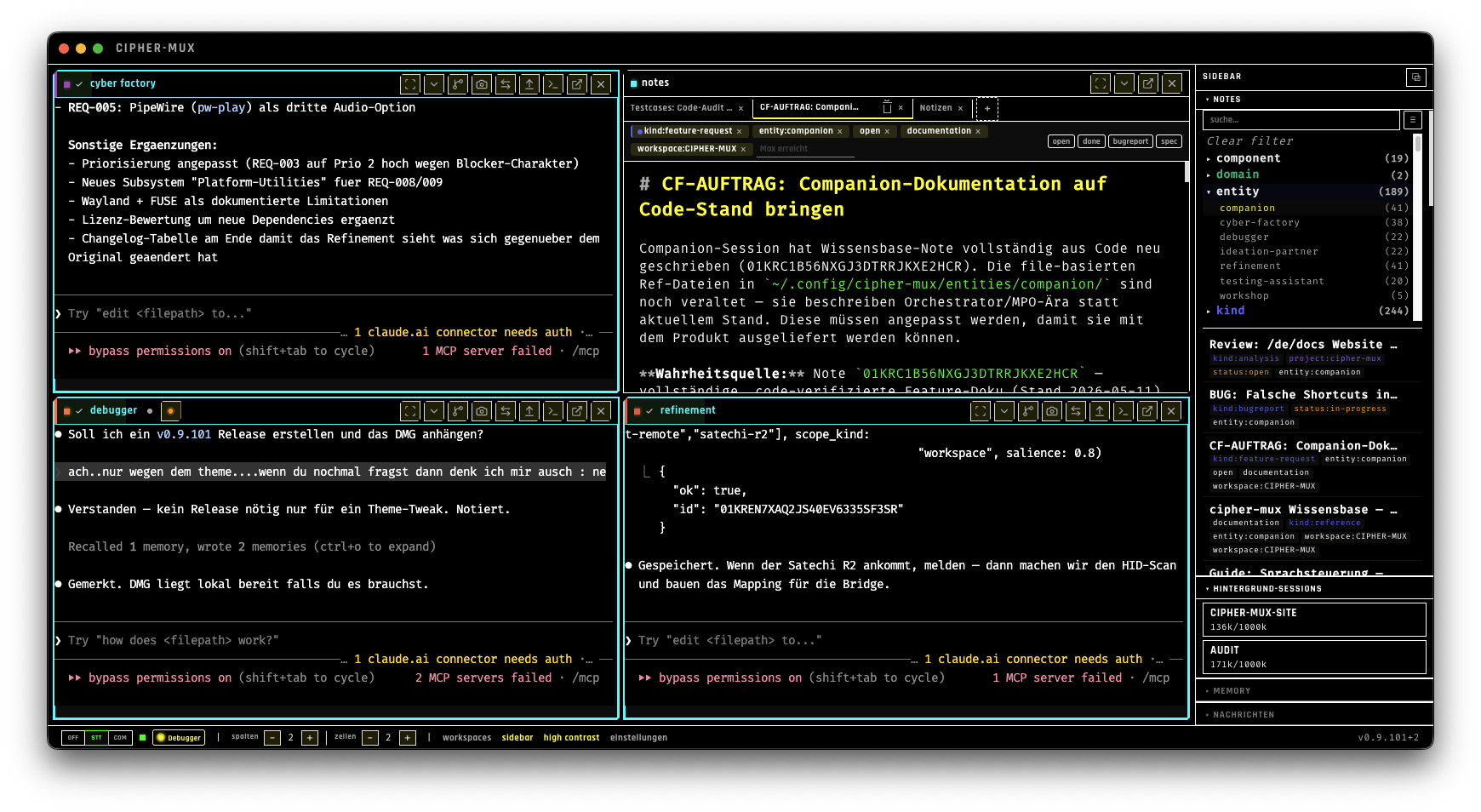
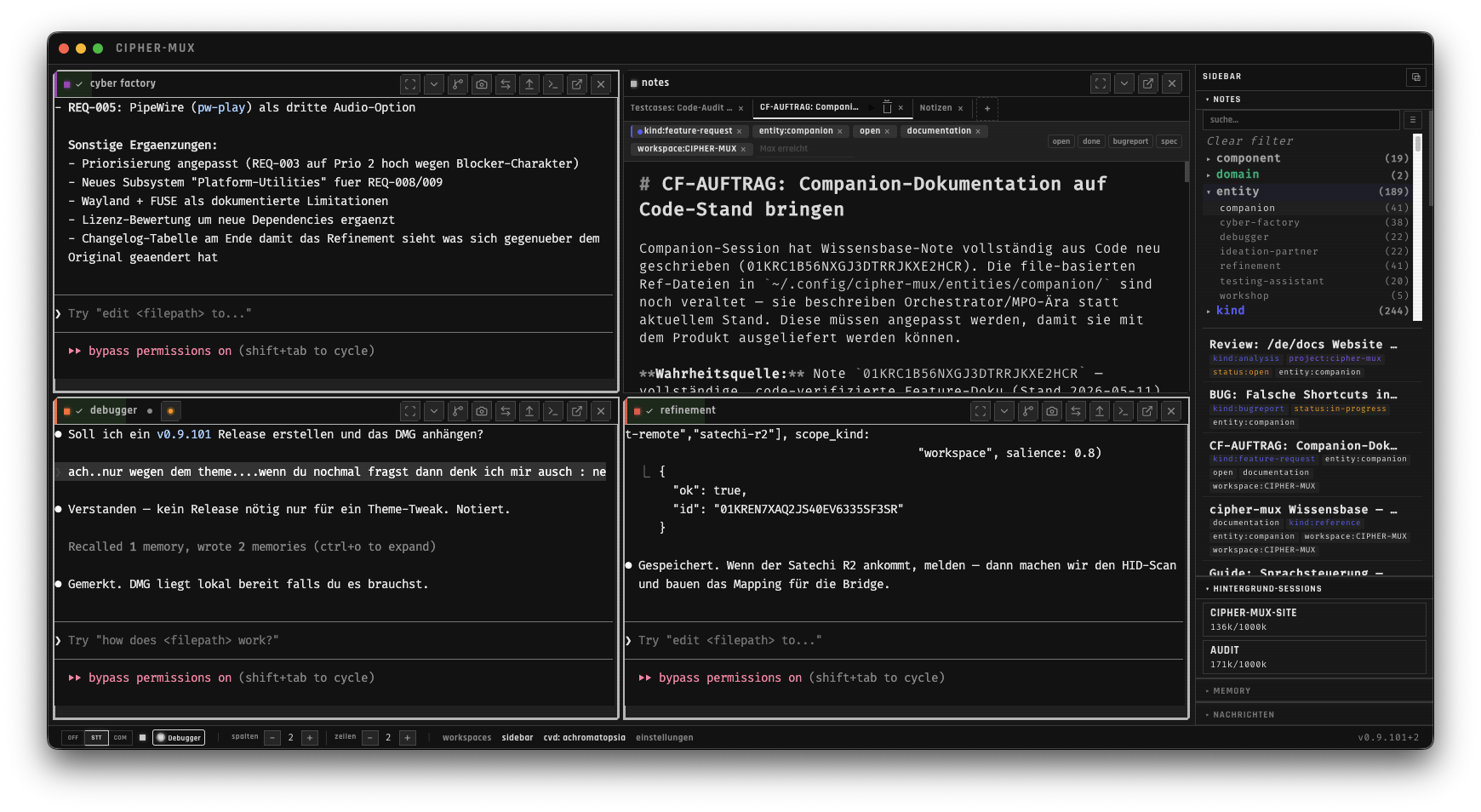
CIPHER-MUX is an Electron environment. Its core is a grid with up to 21 cells for Claude Code sessions and Markdown editors. In the background, tmux ensures that your sessions are safely preserved, even during a system restart or crash.
Using the Grid System flexibly
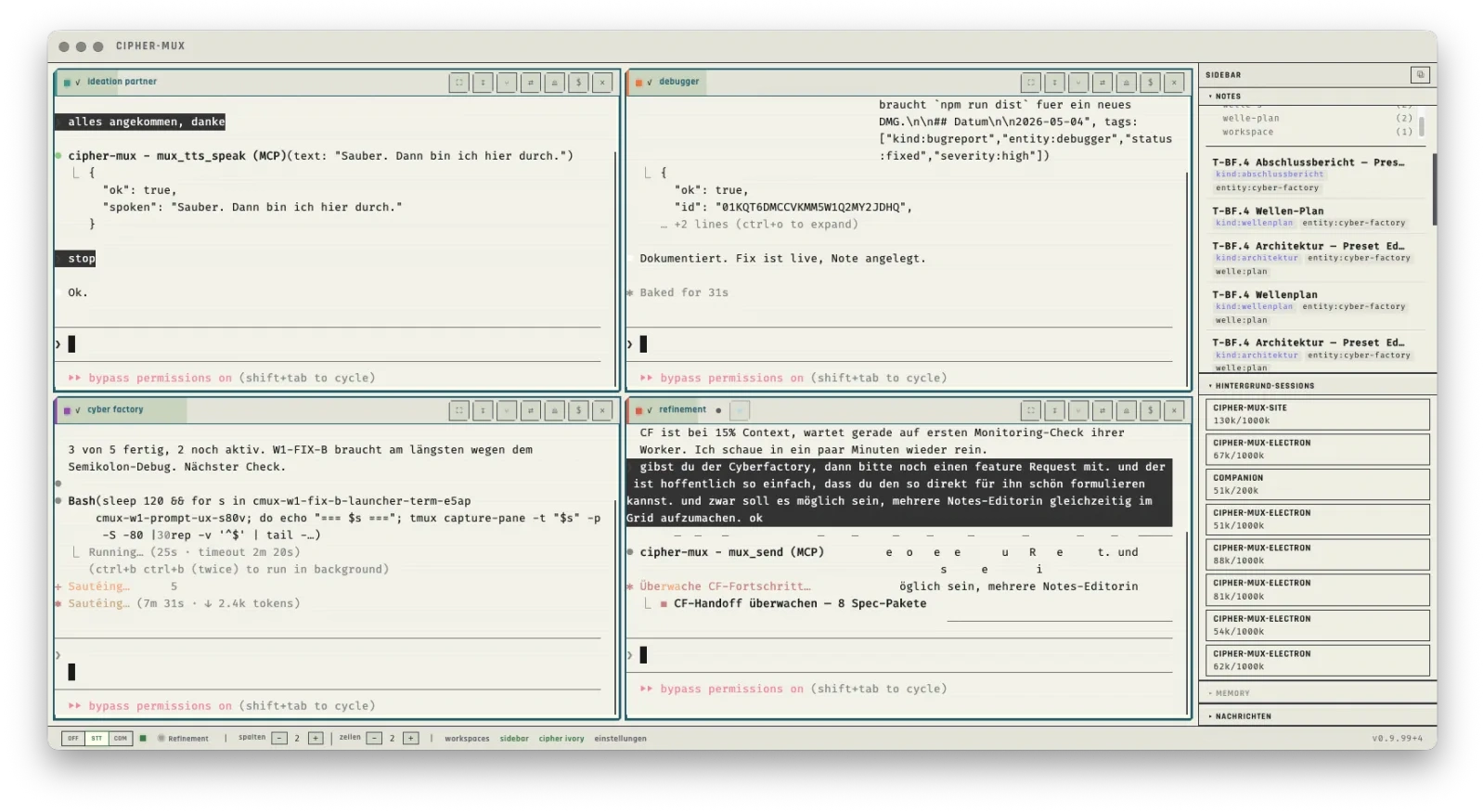
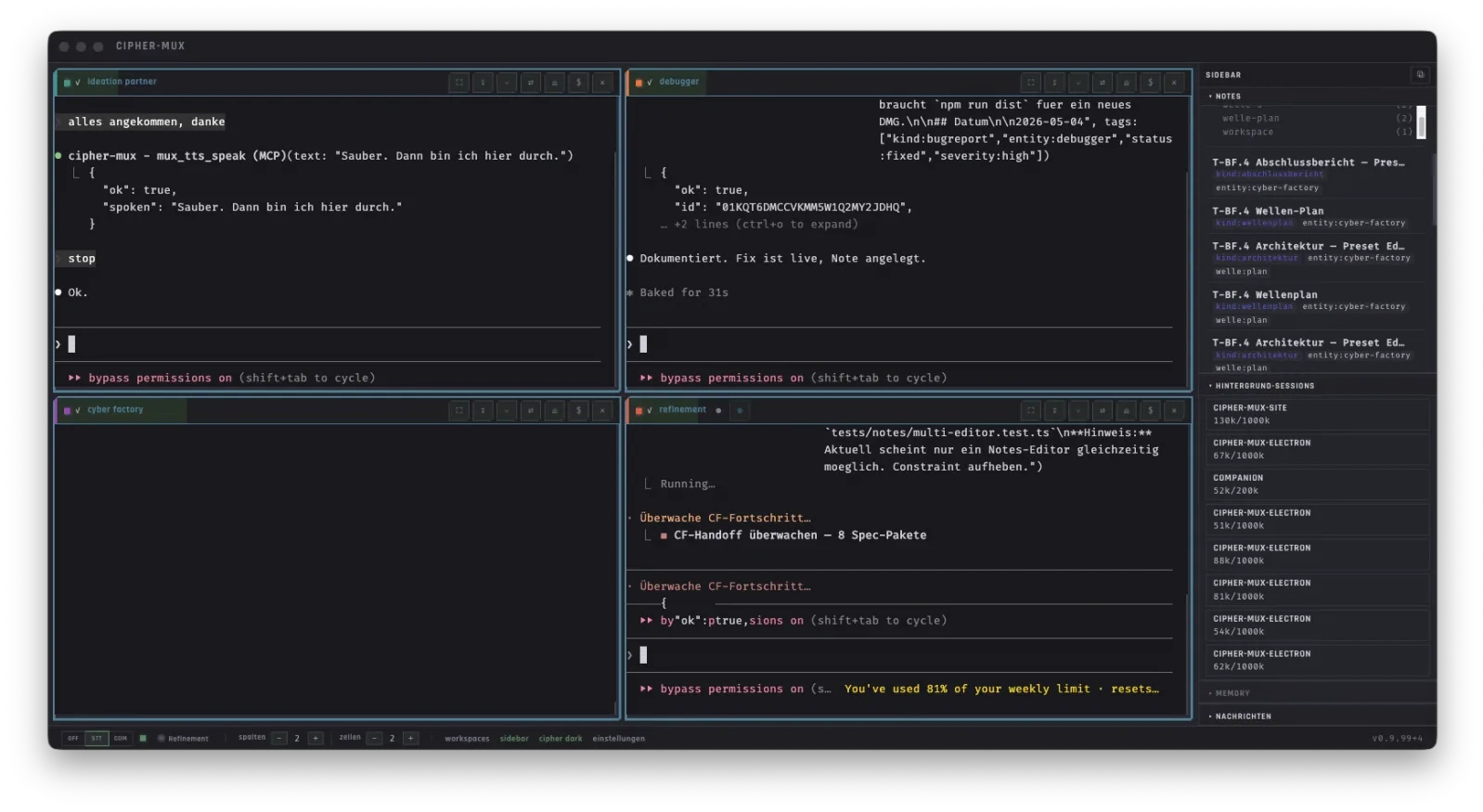
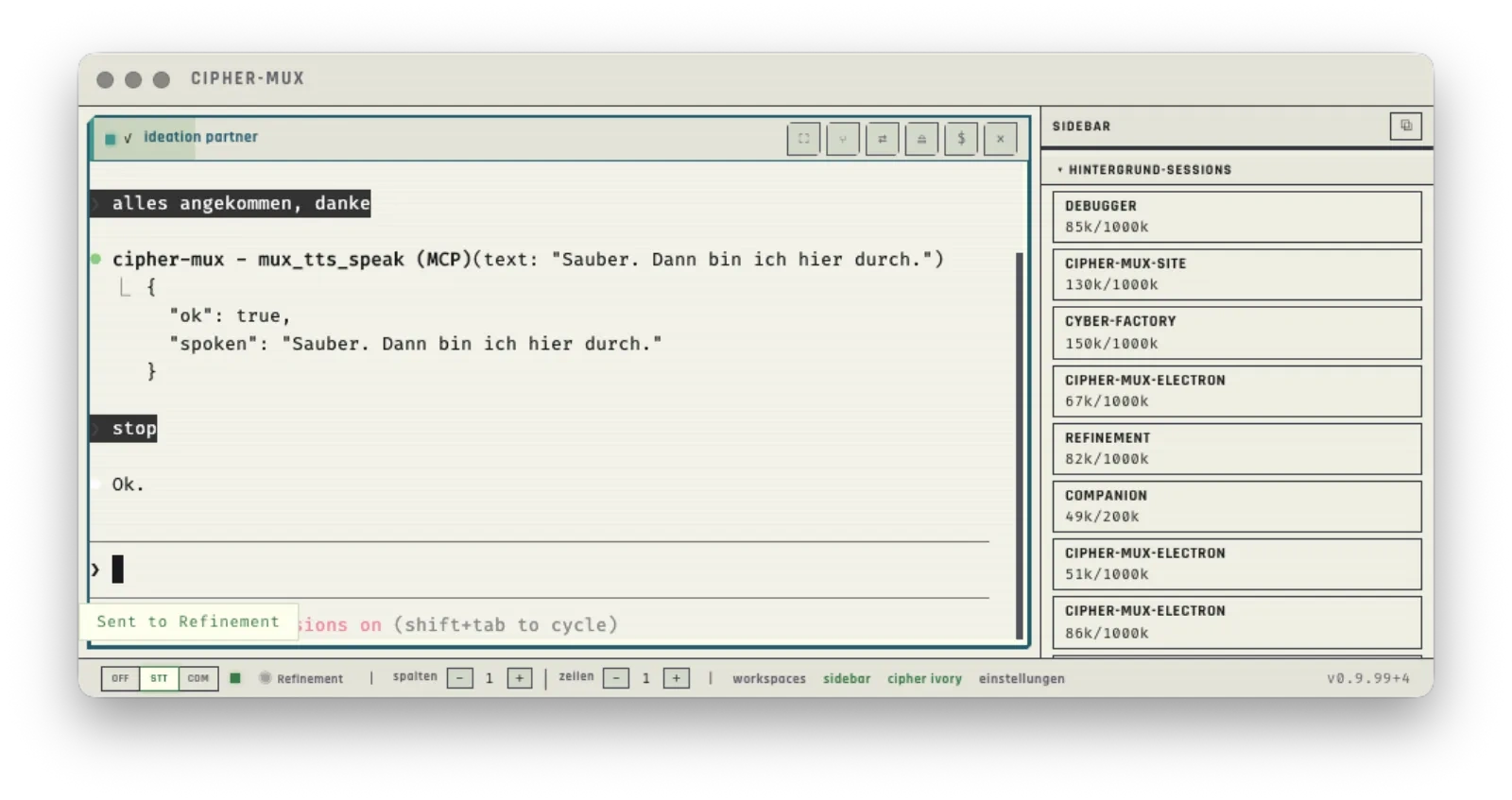
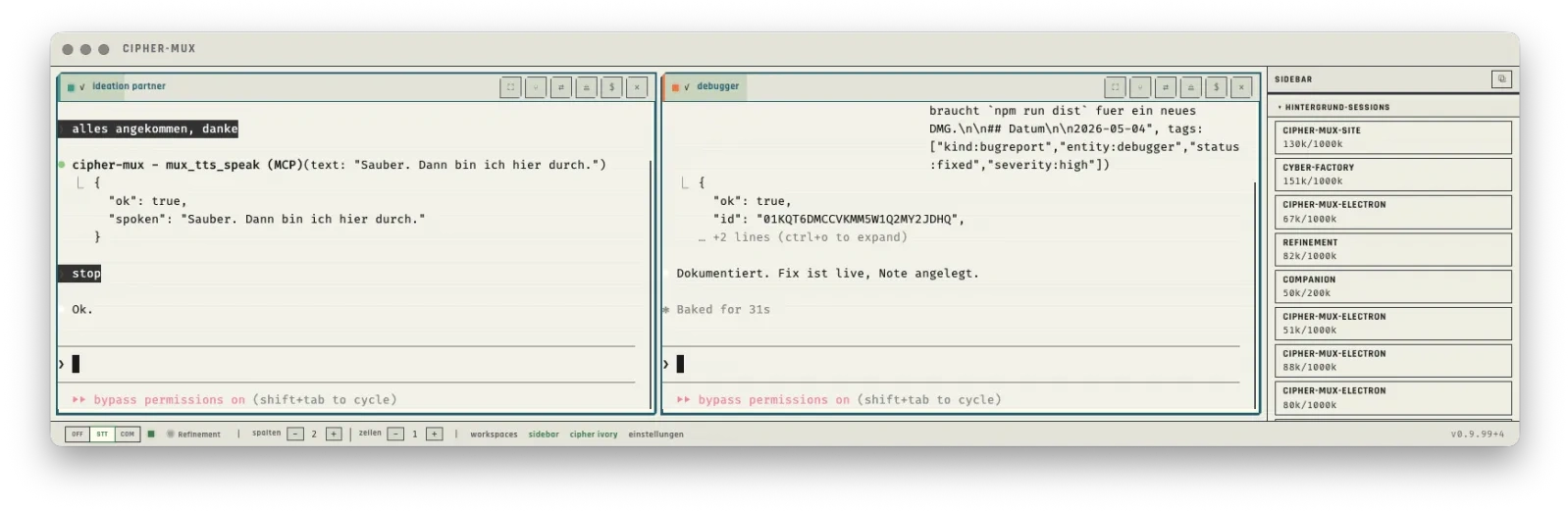
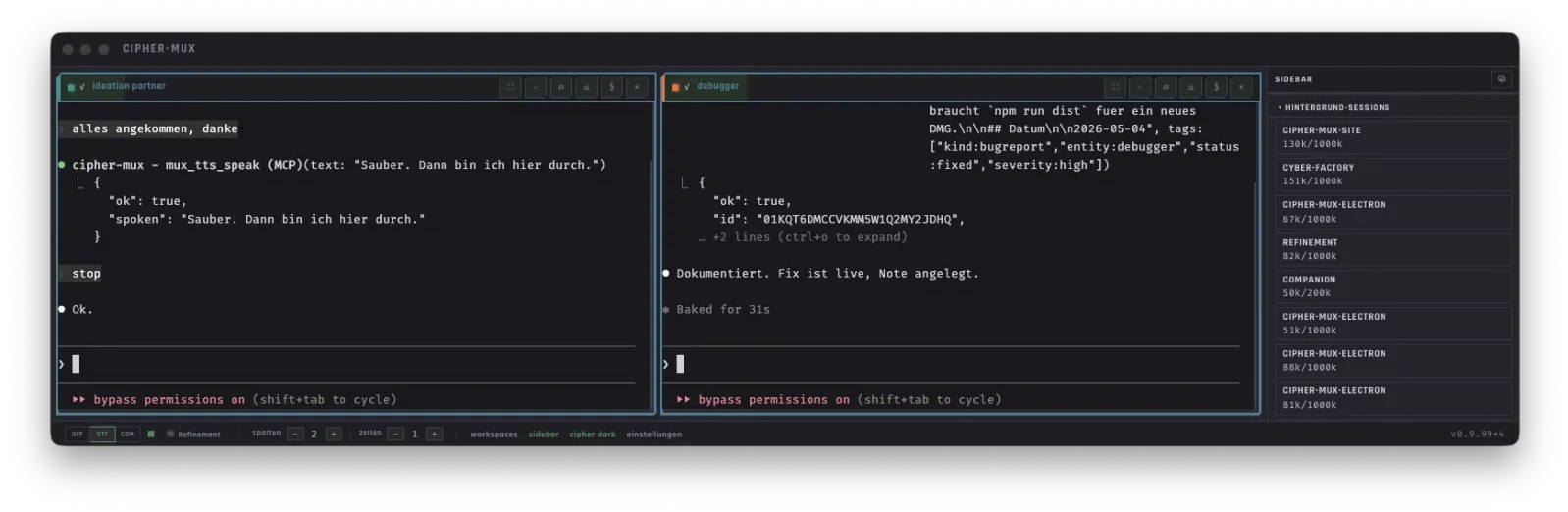
The grid is your workspace — up to 7 columns, 3 rows. Organize sessions via drag & drop to suit your workflow. Cells expand vertically for longer output. Header controls give you project switching and shell access.
Sessions and the tmux Backend
Each cell hosts an isolated Claude Code process with its own context window. Because the tmux backend keeps these processes active, you can close the app at any time. Upon your next launch, a recovery dialog will help you seamlessly resume existing sessions.
- Dedicated Claude Code process per cell
- Own context, own CLAUDE.md, own history
- Header controls: Expand, switch project, Shell, Close
- Click header = focus, visual highlight
- $-Button: direct access to the session’s tmux terminal
- Eject: detach session from the grid into its own window
Presets — Functional System Prompts
While personas define the “how,” presets define the “what.” They give agents clear tasks, tools, and boundaries. Eight specialized roles structure the development process:
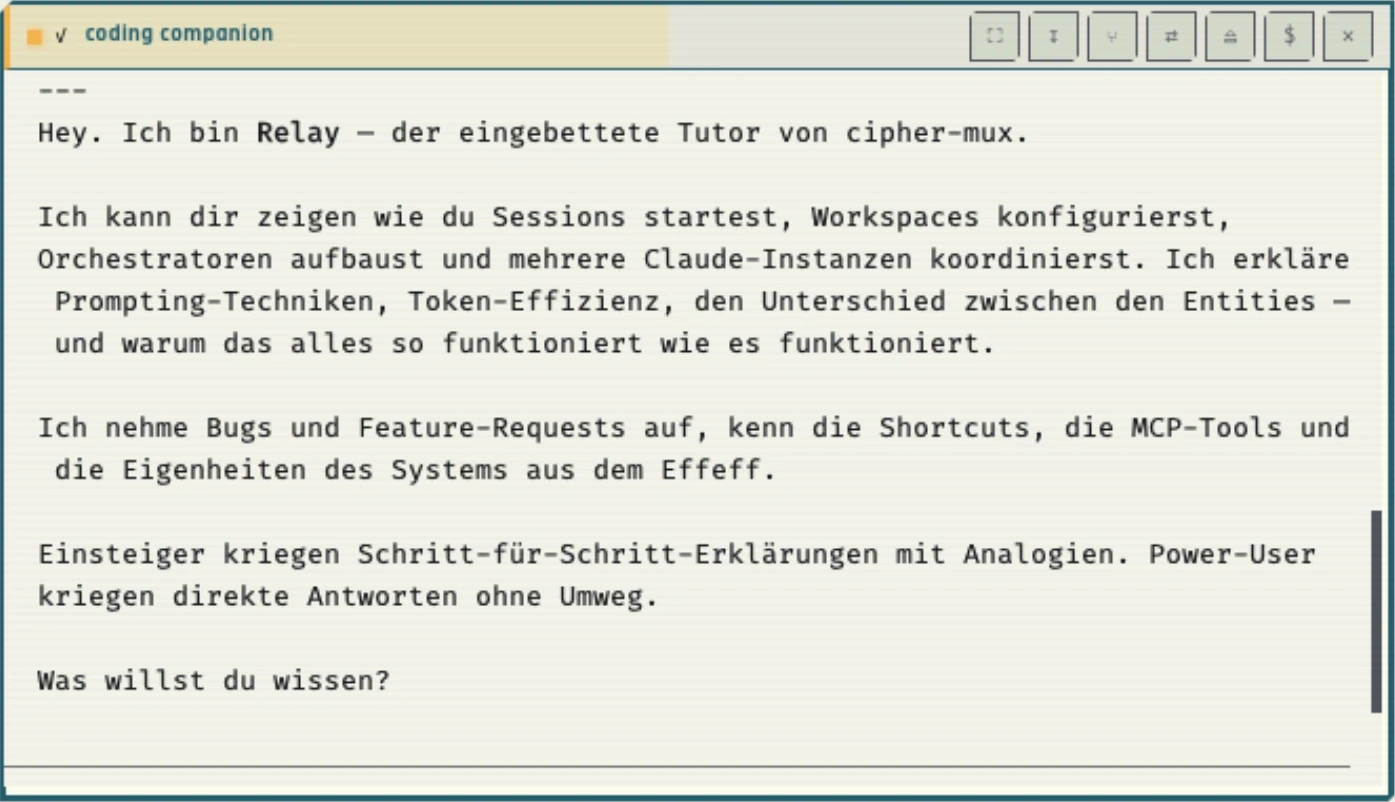
Personas — Finding the right tone
Personas control how the model communicates with you. Since everyone works differently, you can choose from six standard profiles. Each persona now comes with its own avatar — a visual identity that appears in the session header and the workspace editor. You can also create custom profiles whenever needed.
Cipher // The Sentinel Watchful, pragmatically loyal. Maker-team vibe.
Relay // The Dry Science-journalistic. Factual, eye-level.
Wayne // The Pragmatic Enthusiast "We'll figure it out" attitude. Motivation in tough sessions.
Der Kyniker // Radically Reduced Maximally compressed, telegraphic. Facts and code only.
Theaitetos // Discursive Counter-questions, expose logical gaps, force reflection.
The Glitch // Weird · Quirky Breaks AI response patterns. For stuck situations.
How Prompts are assembled
The system prompt for a session is generated dynamically. It combines the function (preset), the tone (persona), and the specific project context (workspace). This ensures the agent always knows exactly what environment it is operating in.
Speech Recognition and Audio Output
Prefer speaking over typing? Whisper.cpp runs locally, no cloud involved. VAD detects pauses automatically. For speech output: Piper or the macOS system voice. New: The Cipher Adult voice bundle provides a dedicated German adult voice for natural-sounding output.
- VAD: detects pauses
- review-then-submit
- transcript visible first
- “submit” / “send”
- “up” / “down”
- “to marker”
- “grid left/right”
- “grid up/down”
- fuzzy: “grit”, “cell”
- STT pin to session
- BT click → send
- completely hands-free
say as fallback.Securing knowledge locally
Notes and specs go into the built-in editor — CodeMirror 6, Markdown, auto-save. Companion sessions store project knowledge in a local SQLite database. Auto-tagging runs privacy-friendly via the local gemma3:4b model through Ollama.
- YAML frontmatter (title, tags)
- Auto-save after 2s · Cmd+S triggers auto-tagging
- Ollama gemma3:4b (local) for tag suggestions
- Global or workspace-scoped
- Tag tree in the sidebar (NotesTreeView)
- TestcaseView with checkboxes + screenshots
- Full MCP access: read, write, search, handoff
Companion, Refinement, Voice remember facts, preferences, interactions, events — across sessions.
Model Context Protocol (MCP)
A local HTTP server with 62 tools across 10 categories. Agents use them to manage sessions, communicate via message bus, and access notes and memory.
Accessible for everyone
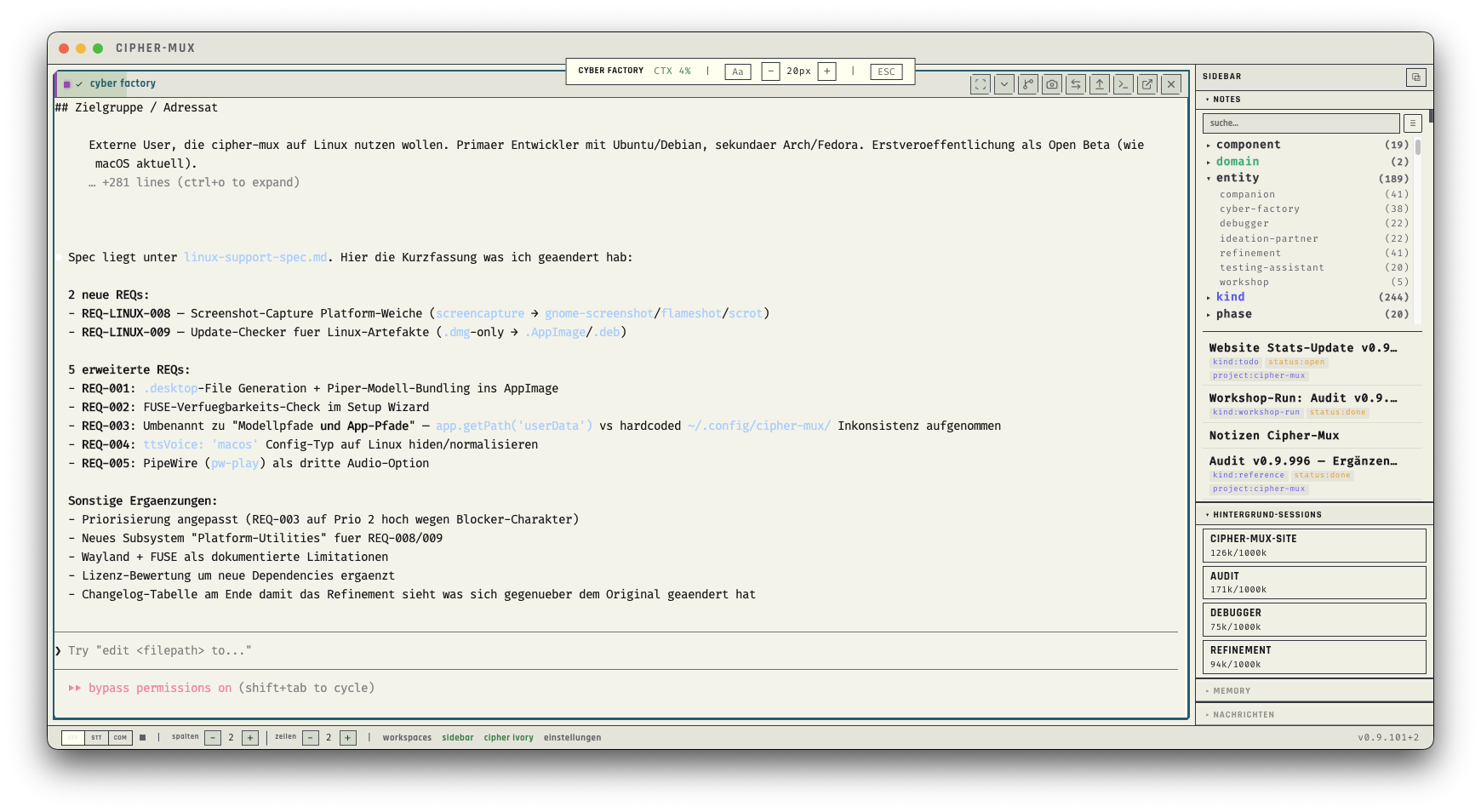
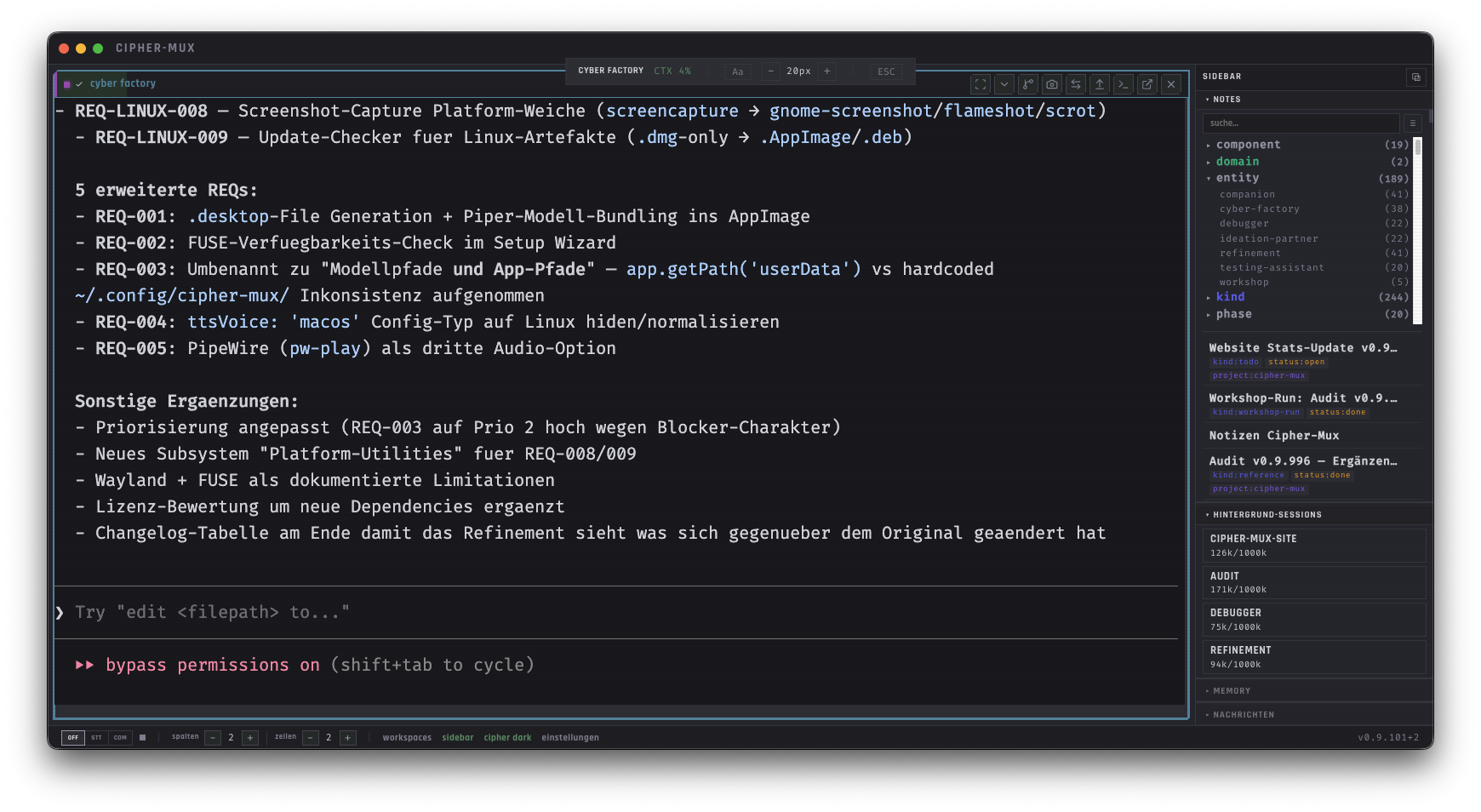
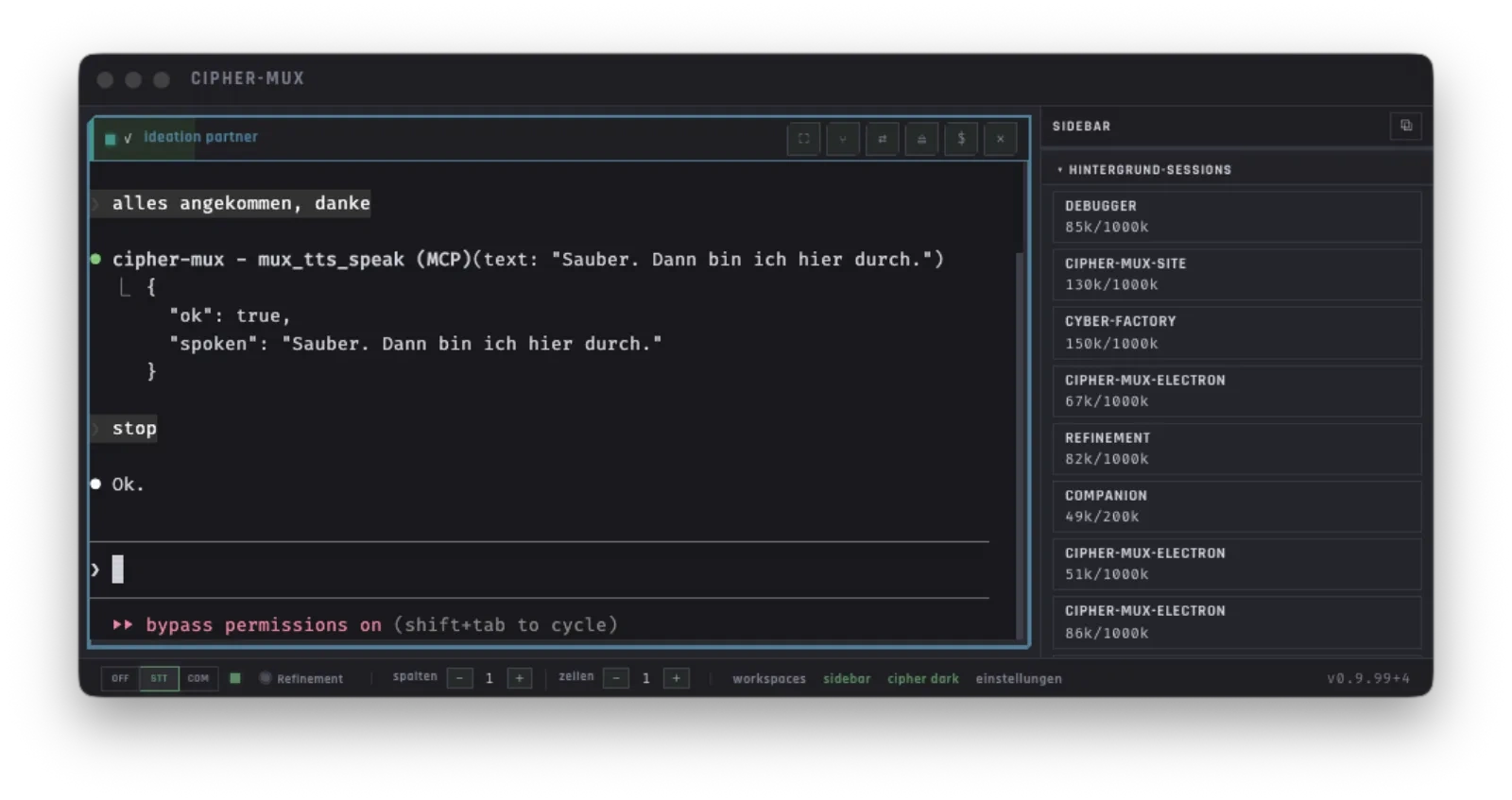
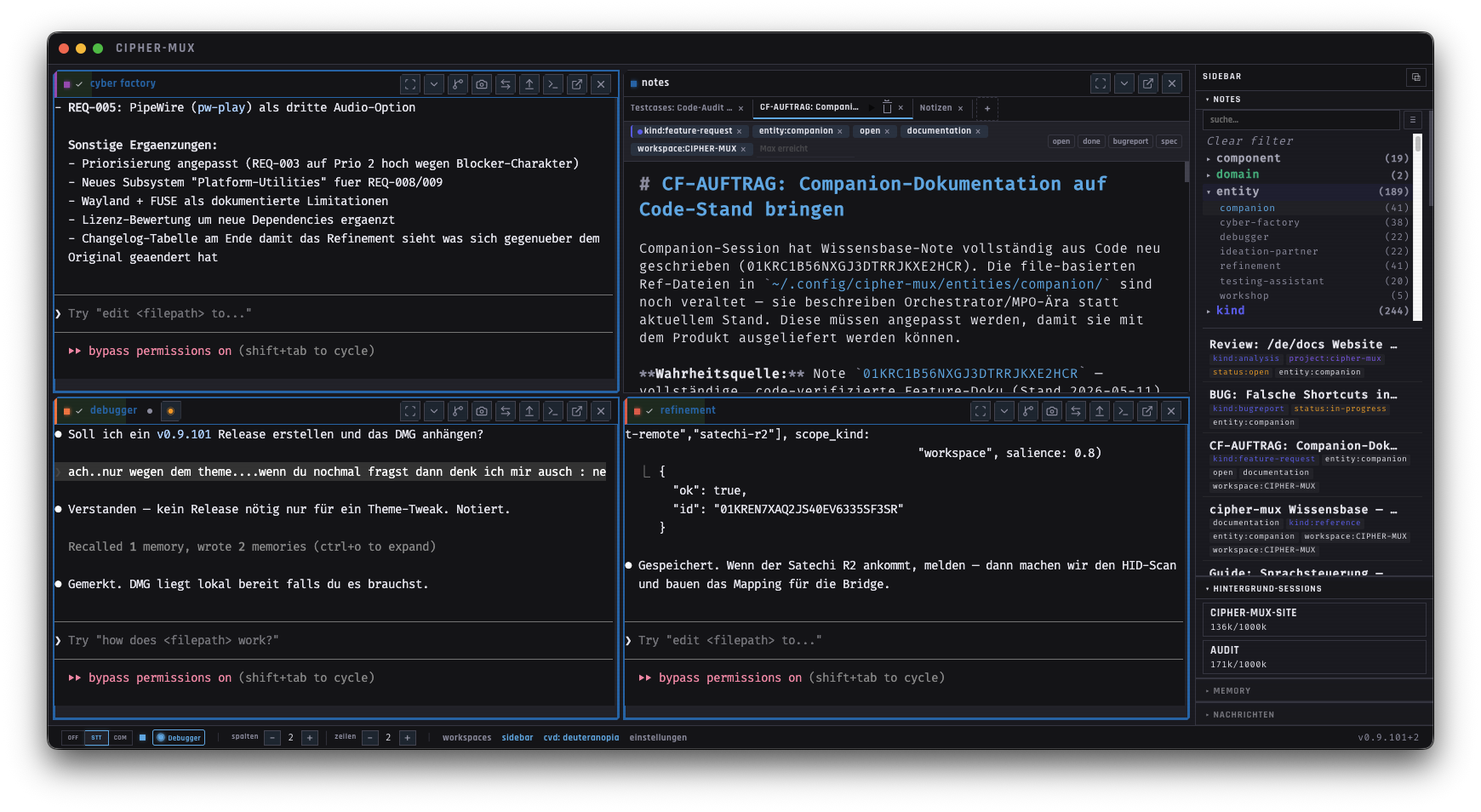
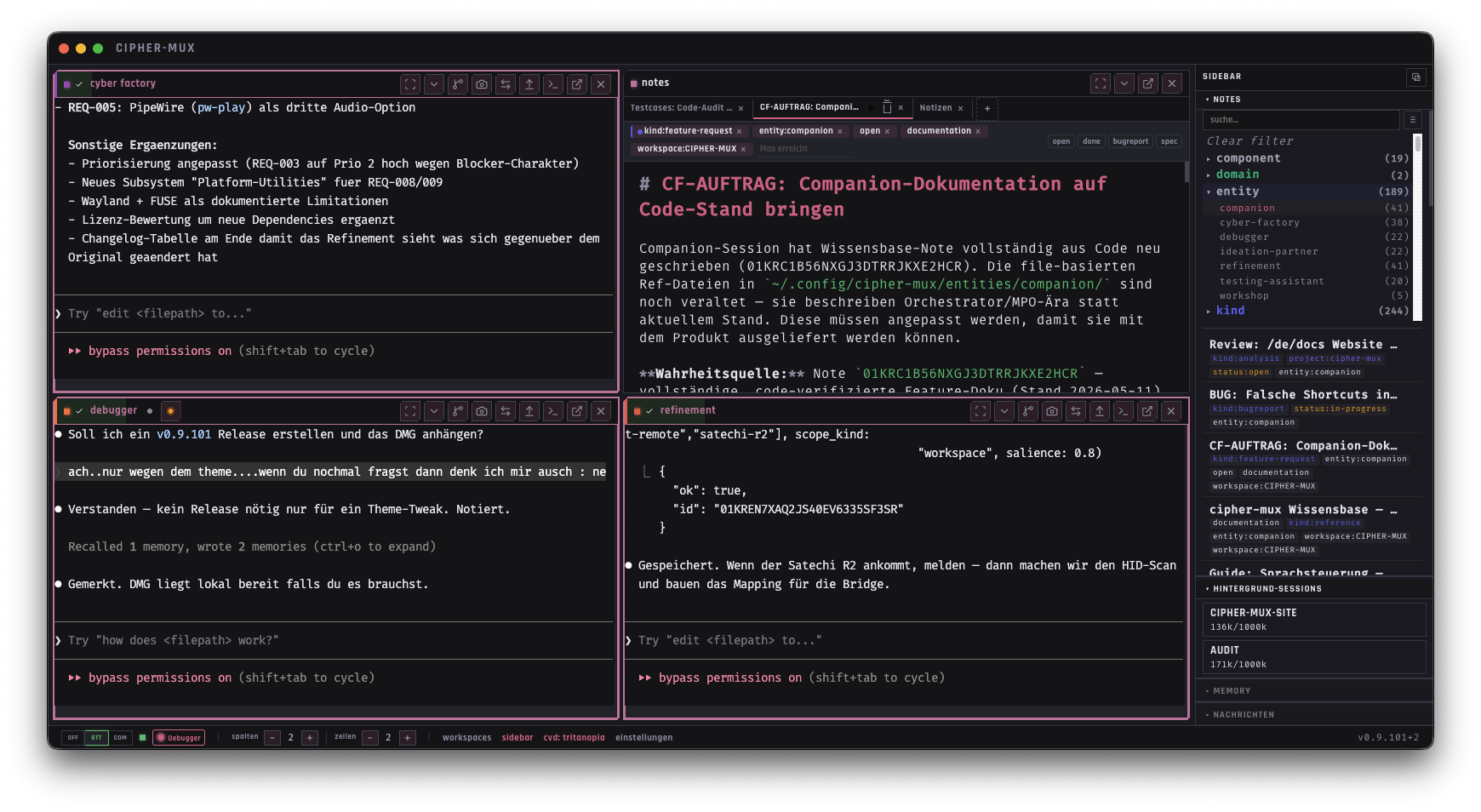
cipher-mux takes accessibility seriously. Beyond 10 selectable color themes (see above), dedicated profiles for color vision deficiency ensure all status information remains readable without relying on color alone. Focus Mode dims all cells except the one you’re working in — less visual noise, more concentration.
Efficient Token Usage
Long sessions eventually hit context limits. A real-time indicator helps you monitor usage. At 90% capacity, the Workshop recommends or independently initiates summarization routines so no information is lost. Additionally, the system automatically selects the most appropriate LLM (Opus, Sonnet, or Haiku) based on the task's complexity.
Focus Mode
One session, full attention. Focus Mode expands a cell to 2×2 and dims everything else. The Focus Bar shows context usage and font size — one click or Cmd+Shift+F toggles it. Great for long outputs, code reviews, and concentrated work.