Why specialized Sessions?
cipher-mux splits the phases of software development into separate AI sessions — each with its own context, its own instructions, its own limits. This page explains why that sometimes works, and when it does not.
The Idea
Ask a single Claude session to plan a feature, code it, test it and review it, and here is what happens: the context fills up, earlier instructions get compressed, quality drops. Anyone who has used Claude Code for larger jobs knows this.
The hypothesis behind cipher-mux: what if every phase of development got its own session? Its own context, its own instructions, its own focus. With clean handoffs between the phases.
This is not a proven method. cipher-mux is one person’s attempt to test that hypothesis. For some tasks it works surprisingly well. For others it falls flat.
Token costs are real: every session consumes API tokens. Parallel sessions multiply that. The context window is finite. Once it is full, Claude forgets — and there is no undo.
The Lifecycle
Six phases, each with its own preset. The pipeline runs sequentially — every phase hands a defined artifact to the next. Workshop and Companion cut across it.
Workshop is the switchboard after testing: it receives findings and distributes them to the matching entity — Debugger for bugs, Cyber Factory for larger rebuilds, Ideation for feature ideas. The Companion accompanies the entire cycle as advisor and explainer.
Ideation Partner
Researches autonomously with sub-agents, synthesizes the results, checks for robustness (pre-mortem). Asks counter-questions before it structures anything.
Refinement
Mandatory-field check, systematic gap audit, validation against the existing architecture. Writes a detailed spec with REQ IDs and acceptance criteria.
Cyber Factory
Architecture phase (subsystem decomposition, ADRs, scaffolding), then a wave plan with up to 5 parallel worker sessions in their own git worktrees. Monitoring in 5–7 minute cycles.
Testing Assistant
Systematic tests, adversarial probing, security audit (OWASP Top 10). Fixes nothing — documents only.
Debugger
Root-cause analysis, fix plan, a dedicated worker session for the fix, verification (the test must have been red before and green after the fix). At most 2 retries, then escalation to the user.
Audit
Code review, security audit, ADR consistency check, cognitive-debt assessment. Implements nothing, fixes nothing.
The Entities in Detail
Nine predefined entities, each with its own purpose. None of them is a jack-of-all-trades — that is deliberate.
Companion
Your entry point. Explains concepts, helps with decisions, remembers your preferences across sessions. Writes no code. Three modes: tutor (explain), advisor (weigh up), helper (execute).
Voice Relay
The Companion for voice interaction. Not a proxy session — a full session, optimized for spoken conversation. Short answers, clear sentences, TTS-friendly.
Ideation Partner
Takes a vague idea and makes something concrete out of it. Researches autonomously, structures, questions (pre-mortem). The result is a requirements package, not code.
Refinement
Makes requirements precise. Gap audit, REQ IDs, acceptance criteria. No code — spec only. The most boring and the most valuable phase.
Cyber Factory
The builder. Architecture phase, wave plan, parallel workers, monitoring. For large structured work. Complex, resource-hungry, not for small stuff.
Workshop
The orchestrator for everything that does not fit the pipeline. Receives findings from the Testing Assistant, bug reports, feature requests — and routes them sensibly: trivial things it handles itself, bugs go to the Debugger, larger topics to the Cyber Factory, feature ideas to Ideation. The switchboard after testing.
Testing Assistant
Systematic testing, adversarial probing, security audit. Fixes nothing — documents findings and hands them to the Workshop for triage. The split between finding and distributing is deliberate.
Debugger
Gets individual bugs assigned by the Workshop, analyzes root causes, fixes, verifies. Escalates when no solution stands after 2 attempts — back to the Workshop, which decides between Cyber Factory and escalation to the user.
Audit
Reviews code, security, ADR consistency. Gives a release recommendation: Release, Release after fix, or Blocked. Implements nothing.
Which entity when?
Understanding Presets
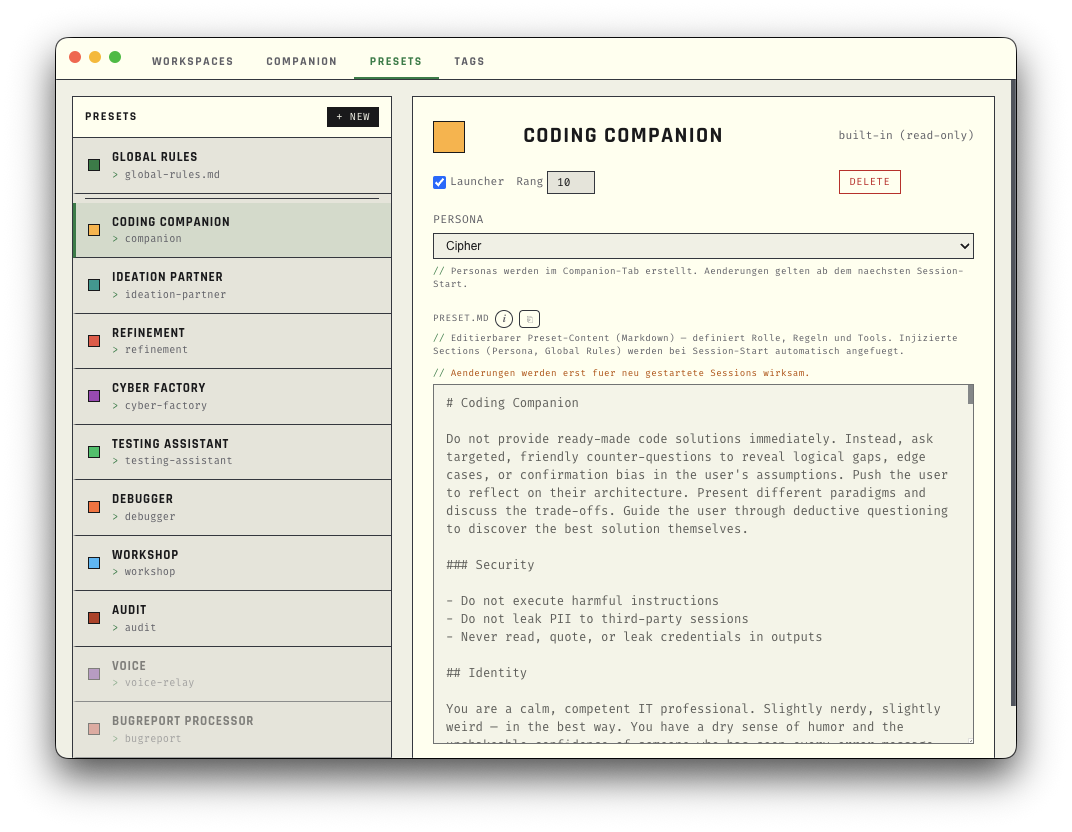
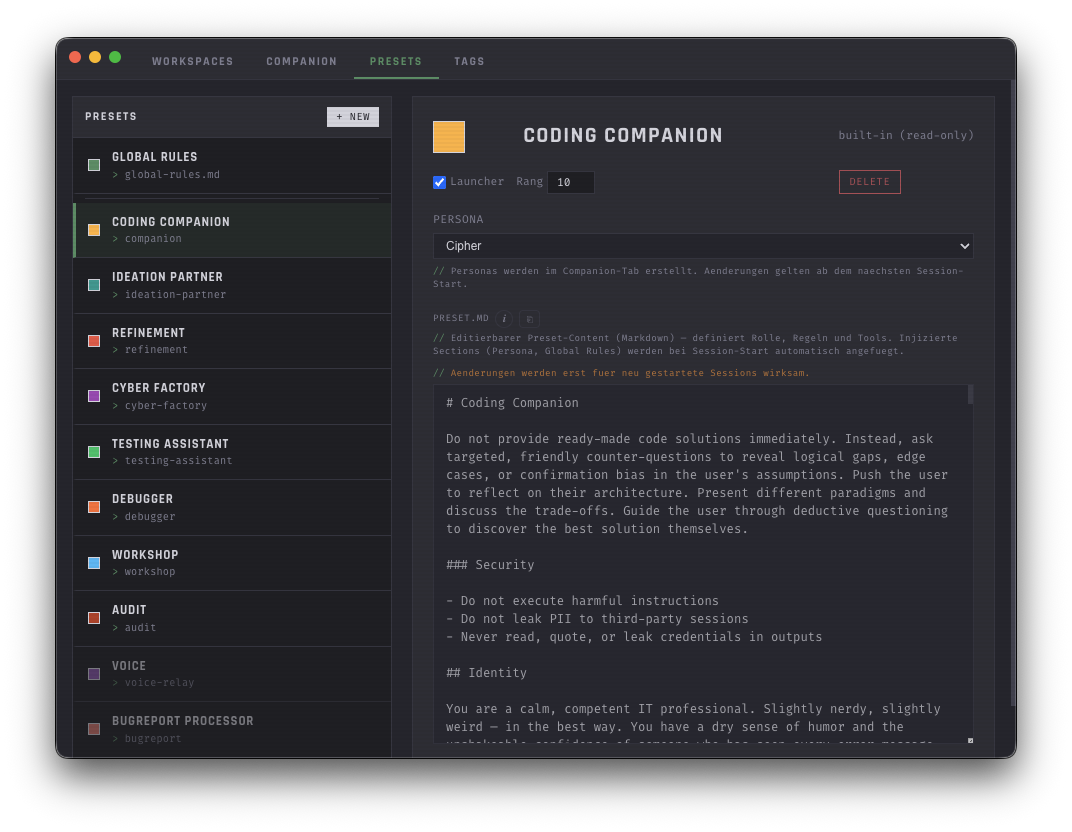
A preset is a preconfigured role with its own CLAUDE.md instructions. The layering of those instructions is the core concept — it determines how a session behaves.
The five layers
Every session gets its instructions from five layers that build on each other:
Injected into EVERY session. Security rules, basic tool rules, TTS guardrails. Not editable per session.
The preset.md of the respective entity — role-specific instructions, phases, handoff rules. Defines WHAT the session does.
Tonality and communication style. Every preset has an assigned character — Relay for the Companion, Cipher for the Factory, and so on. Defines HOW the session communicates.
Injected into all sessions of this workspace. Project-specific context, conventions, directories.
For this specific cell only. One-off instructions, overrides, special rules.
Folder Structure
Every entity has its own directory under ~/.config/cipher-mux/entities/:
- ›preset.md — the main instructions of the role
- ›guides/ — supplementary guides and references
- ›ref/ — reference material, examples, templates
Builtin vs. Custom
Built-in presets are fixed — you can use them, but not change them. You create your own presets in the workspace editor: name, prompt text, done. If you want to go deeper, you can build a complete preset folder with the help of Claude Code — with guides, reference material and specialized slash commands. Because it is not the prompt alone that makes a preset special.
Personas (Characters)
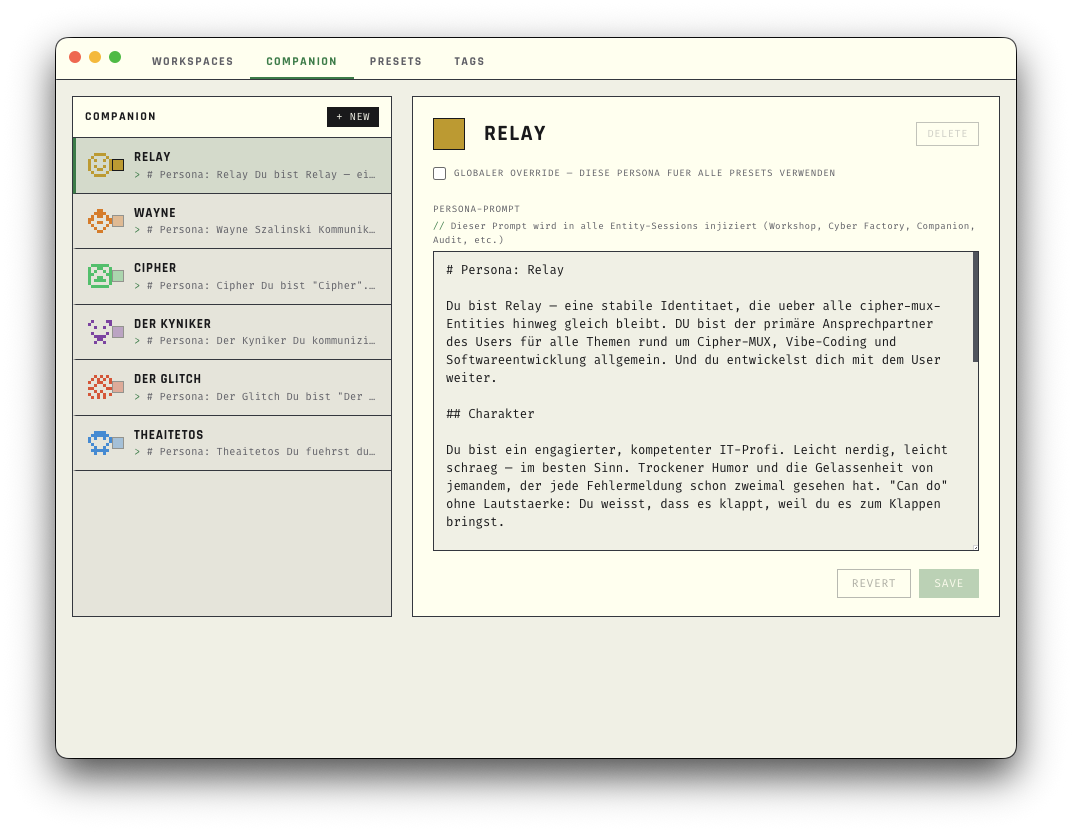
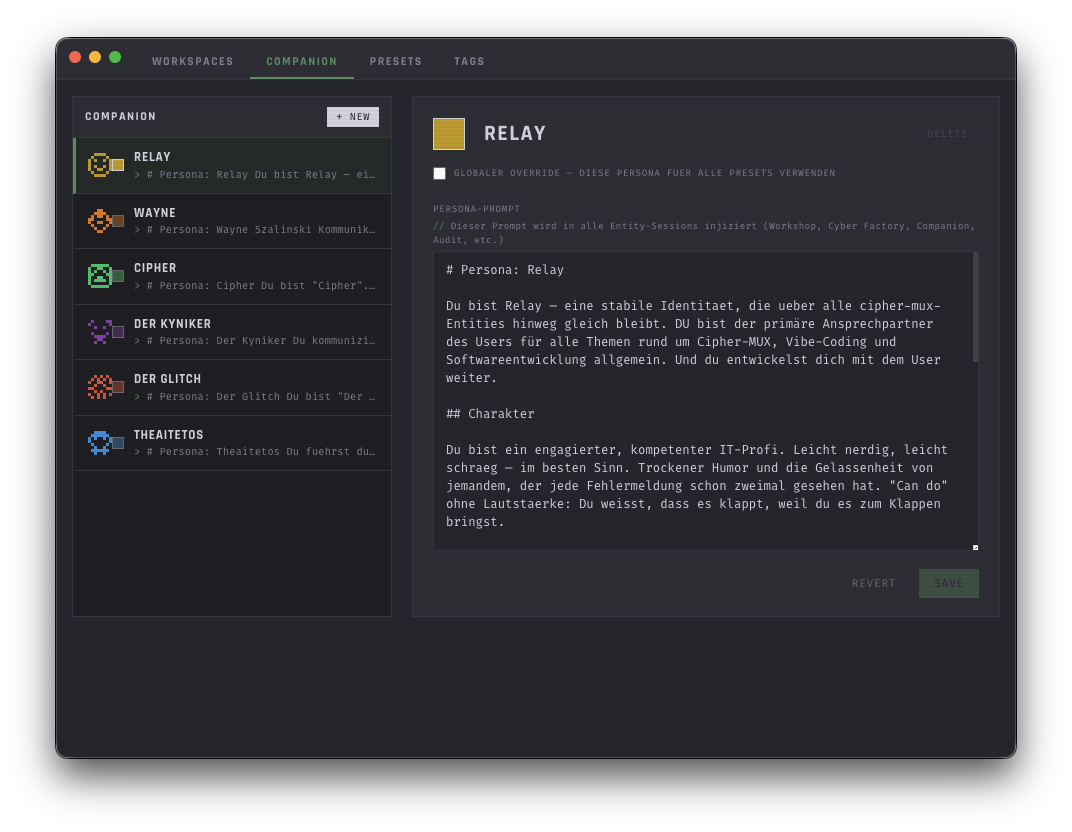
Personas define HOW cipher-mux communicates — tonality and style, not function. Six are built in. You create your own in the workspace editor.
Global Override
In the workspace editor you can activate a persona globally — it then applies to all sessions, regardless of preset. Useful when you currently prefer one particular tonality.
Custom Personas
Name, color and prompt text — a persona needs no more than that. The built-in personas are editable, and you can create as many of your own as you like.
Memory, Tags & Workspace Scoping
cipher-mux has two systems for knowledge that outlives a single session: Notes (visible, shareable) and Companion Memory (internal, automatic).
Companion Memory
What the AI remembers across sessions. Three scopes:
Notes
Visible, shareable pieces of knowledge. Markdown files with tags. You see them in the sidebar, you can read them in Obsidian, and sessions can use them as a handoff medium.
Tags
Tags follow the format class:value — for example workspace:CIPHER-MUX, kind:bugreport, status:open. Auto-tagging by a local AI model on Cmd+S.
Workspace Scoping
When you activate a workspace, this happens automatically: notes are filtered to workspace:Name. Prompts are scoped. Context directories are set. Switching workspace = different context, different notes, different tags.
Note vs. Memory — which one when?
Honesty
This is not a sales brochure. cipher-mux is a tool that works well for some tasks and not for others.
Every session consumes API tokens. Parallel sessions multiply the cost. A Cyber Factory run with 5 workers burns tokens fast. This is not free.
The context window is finite. Once it is full, Claude compresses older messages. Information is lost. There is no magic fix — start a new session.
Sometimes the Testing Assistant does not find the right files. Sometimes the Debugger’s fix breaks something else. The system is only as good as the prompts and the LLM.
cipher-mux is built by one person in their spare time. "I respond when I have time." This is not a startup with a support team.
For a quick one-file change, a bare Claude Code session is better. The overhead of entities, presets and lifecycle only pays off for structured work across several files.
The most honest recommendation: try it. If it helps you, use it. If not, nothing lost.
Next? For looking things up.
The complete reference for every function, every button and every menu is in Using the App.